Generate DTM from LiDAR Data
Builds a Digital Terrain Model from the ground points with lidR::rasterize_terrain.
| Parameter | Type | Required | Description |
|---|---|---|---|
in_las_folder |
directory | Yes | Folder containing the input LAS/LAZ tiles. |
out_folder |
directory (output) | Yes | Folder for the output rasters. |
style |
tin | idw | kriging |
Yes | Interpolation algorithm. The default is tin. An invalid value falls back to tin. |
processes |
int | No | Requested number of parallel workers (see How all the tools behave). |
style |
lidR algorithm | Tile output | Merged output |
|---|---|---|---|
tin |
tin(): Delaunay triangulation |
<tile>_TIN_DTM.tif |
Merged_TIN_DTM.tif |
idw |
knnidw(): k-nearest-neighbour inverse distance weighting |
<tile>_IDW_DTM.tif |
Merged_IDW_DTM.tif |
kriging |
kriging(): local ordinary kriging with gstat |
<tile>_K_DTM.tif |
Merged_K_DTM.tif |
from beratools.tools.rpy_dtm_by import rpy_dtm

rpy_dtm(in_las_folder="tests/data/LiDAR",
        out_folder="tests/data/LiDAR/Raster_Output",
        style="tin")
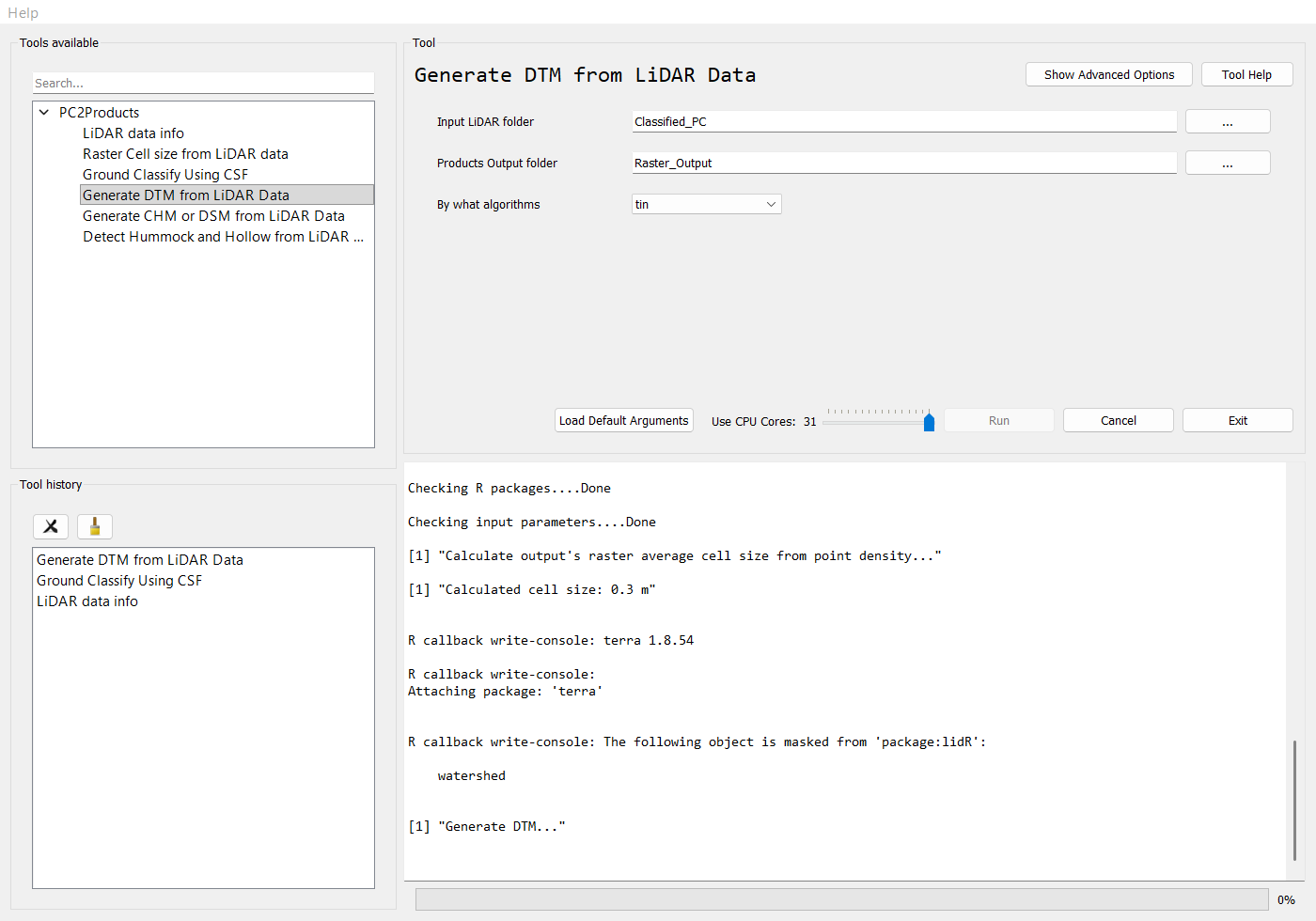
While a tool runs, the Run button is disabled and the R output streams into the log:
Command line
bt dtm   # show the parameters
bt dtm --in_las_folder <las_dir> --out_folder <out_dir> --style tin -p 4